
What's new in Phase: October 2026
New in Phase this month: yield maps in 3D on real ground, a notification bell with team updates, signing on and off for safety, one grid for every price.
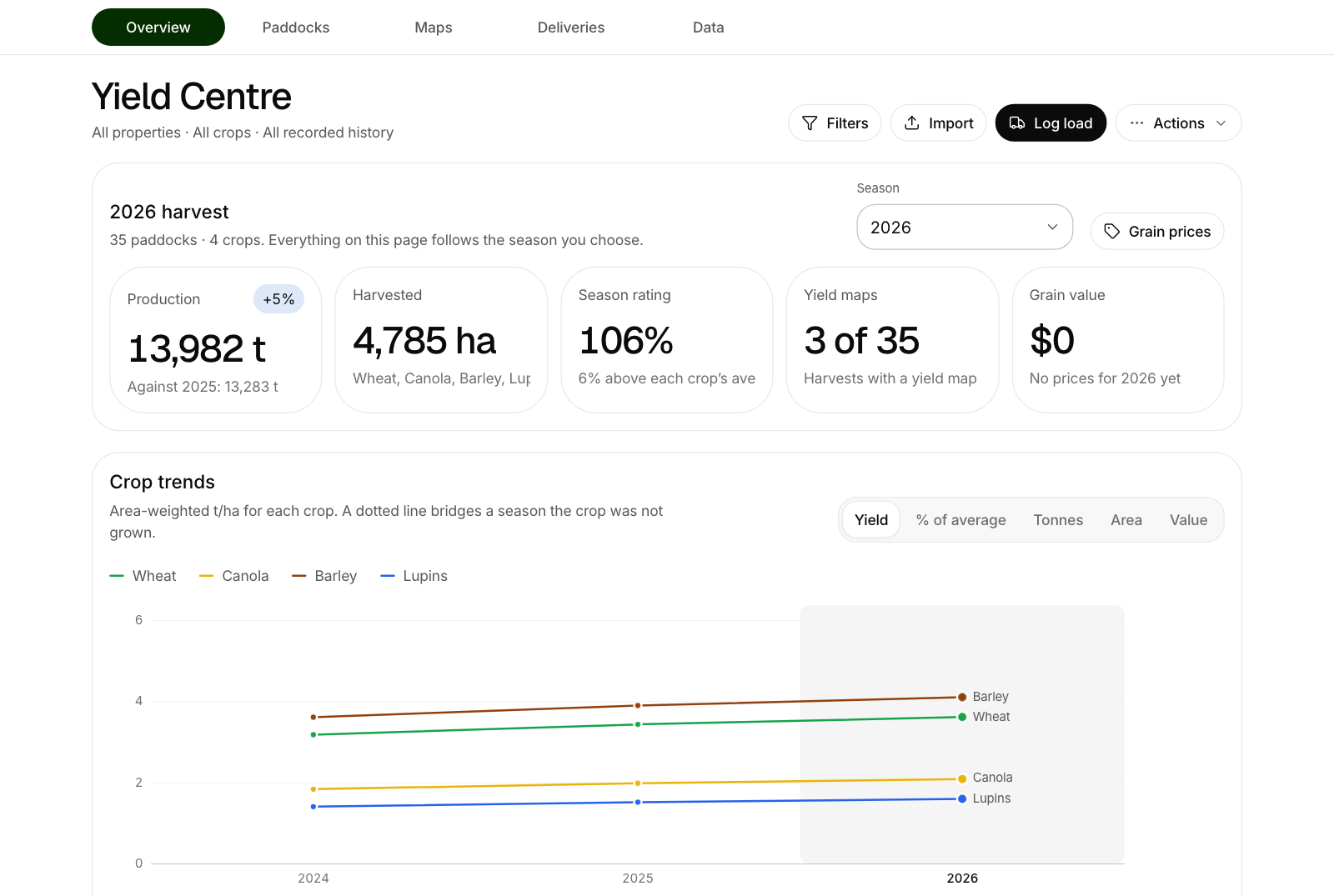
Harvest is close, so a lot of this month's work went into yield, the team and the shed. Here is what has landed in Phase since the start of October. Most of it came straight from growers asking for it.
Yield maps in 3D, on the paddock's real ground
Yield Centre → Maps has a 3D view. It stands the paddock up as its actual ground, rises and low spots and all, with the yield map laid over it in the map's own colours. A wet hollow or a poor ridge can be read straight against what it yielded. Drag to turn it, pinch or scroll to zoom.
The ground comes from a 30 m satellite elevation model, fetched once for the whole farm the first time someone opens 3D.
Spatial: run rain, a frost night or wind over a paddock
Phase Spatial has the same 3D ground on its Layers step, and a simulator along the bottom of it. Choose Rain, Frost or Wind, set it, and press run.
- Rain shows where the water sheds, where it runs and where it is left lying, and numbers each pond.
- Frost plays a still, clear night and shows where the cold air drains to and collects.
- Wind shades the ground by how open it stands to the wind direction you choose.
It is modelled from the shape of the land, not measured, and it says so on screen. Treat it as a guide to where to look, not as a depth gauge or a thermometer. Phase Spatial comes with Phase Ultra.
One yield figure for each paddock
A paddock's yield for a season is now one figure, and everything reads it: averages, the paddock list, gross margins and the yield map's legend. A yield you correct by hand is kept as yours, and a later import no longer quietly puts the old number back. The yield map follows the figure, so the map still averages what the paddock actually yielded.
A notification bell, and what the team did today
A bell sits at the top of the app with a count of what you have not seen. It has two tabs. For you holds what it always did: jobs given to you, machine services, weather alerts and reminders. Team is new: what other people on the farm did, such as a note added on a paddock, livestock fed or moved, or stock and fuel recorded.
Signing on and off, so someone notices
Staff asked for this one in their own words: a way to clock on and off, not to track time, just to show when someone has left the farm.
The On farm button in the header does it. A worker taps Sign on and picks when they expect to finish. If they have not signed off after the farm's grace time, the owners and managers, or whoever the farm chose, are told, with where the person said they would be and their phone number.
It is opt-in, person by person, and it never tracks anyone while they work. Farms that want a record of hours for pay can switch on Hours, a month calendar of who worked when. A worker sees only their own hours.
Every product price in one grid
Inventory → Actions → Edit prices opens every product's price in a grid that works like a spreadsheet. Type down the column, or paste prices copied from Excel. Save and update plans puts the new prices on every job not yet done in this season and later ones, and tells you how many plan lines will change first. Work already done keeps the cost on its record.
Water, fuel and machines
- Water in Inventory. Spray tanks, rainwater tanks, dams and bores now sit under Inventory → Water, with one-tap level readings.
- The pump meter on a fill-up. Recording fuel now has a Pump meter after box. Type the bowser's reading and Phase works out the litres, and flags fuel that left the tank without being written down.
- Machines grouped by type. Tractors, headers, sprayers, seeders and the rest sit in their own groups, each saying what needs a service.
- Service jobs go to the right person. Choose who looks after each machine and the service jobs Phase raises land in their work list.
- CNH engine hours. On Phase Ultra, engine hours from CNH FieldOps now keep service reminders current, the way John Deere hours do.
On the map and around the farm
- My location. The map shows where you are, and Add a note here starts a note on the spot with the paddock filled in.
- An emergency page on every phone. Emergency numbers, the property's address and your emergency plan, for everyone on the farm.
- Livestock reports. Feed-out by pen, weights and gain, the mob register, and treatments and moves, as PDF, Excel or CSV.
Getting the update
There is nothing to install. The website updates itself, and the iPhone and Android apps pick up the same changes over the air.
If something here does not work the way you expected, or there is something you want next, write to support@phase.ag. New to Phase? What is Phase is the short version, and a 14-day trial needs no card.